Licensing
The Orchestra Designer can be used free of charge for 20 days. After the trial period expires, a valid license is required to create new scenarios or edit existing ones.
The trial period starts automatically on first use. Scenarios created during the trial are preserved and become editable again once a license is activated.
Request a License
To open the license panel, click the user icon in the top-right corner.
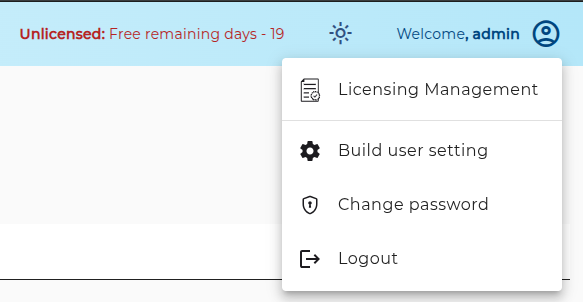
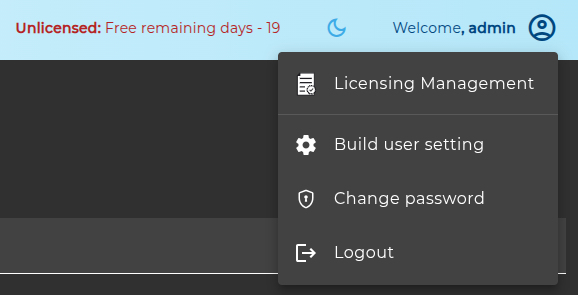
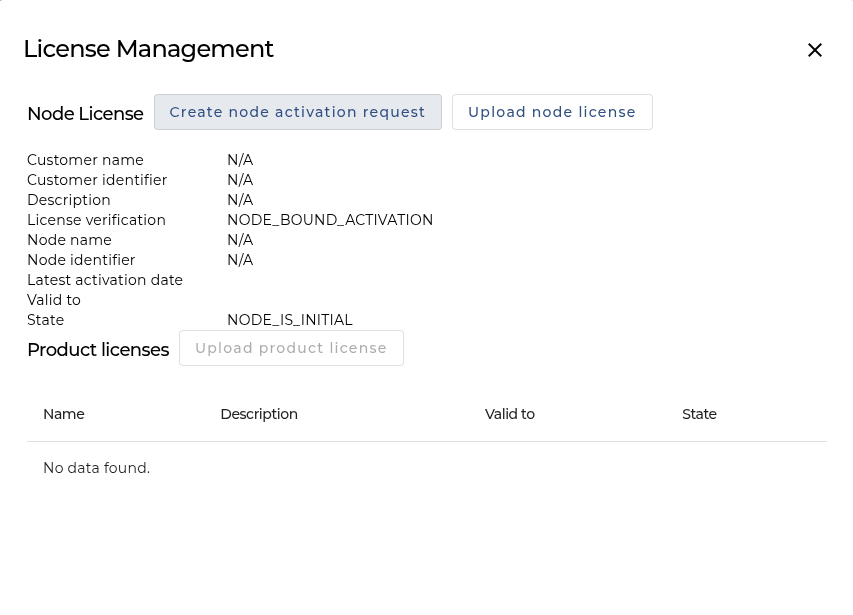
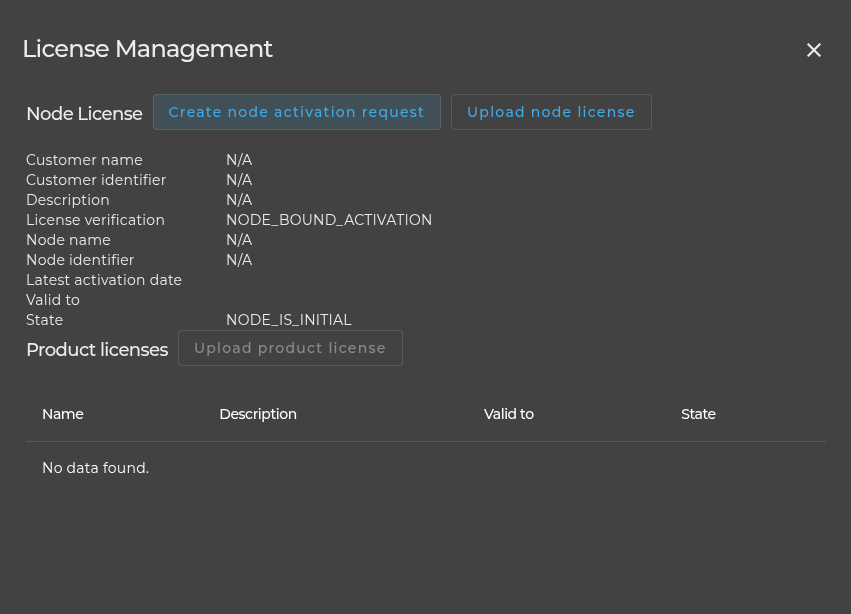
The license panel provides 3 actions:
Step 1: Download the License Request
Click Create node activation request to generate a request file. Send this file to:
Step 2: Upload the node License Response
Once you receive the response file from Soffico, upload it directly in the license panel. The Designer is then fully licensed and all features are available again.
Step 3: Upload the product License Response
Individual product licenses can also be uploaded to unlock specific features, such as the testing functionality.